Multi-Team & Admin
Run one team or a whole club from a single login
Every team gets its own space, snapshot dashboard, and settings — and you switch between them in a tap.
WHAT YOU CAN DO
MULTI-TEAM FROM ONE ACCOUNT
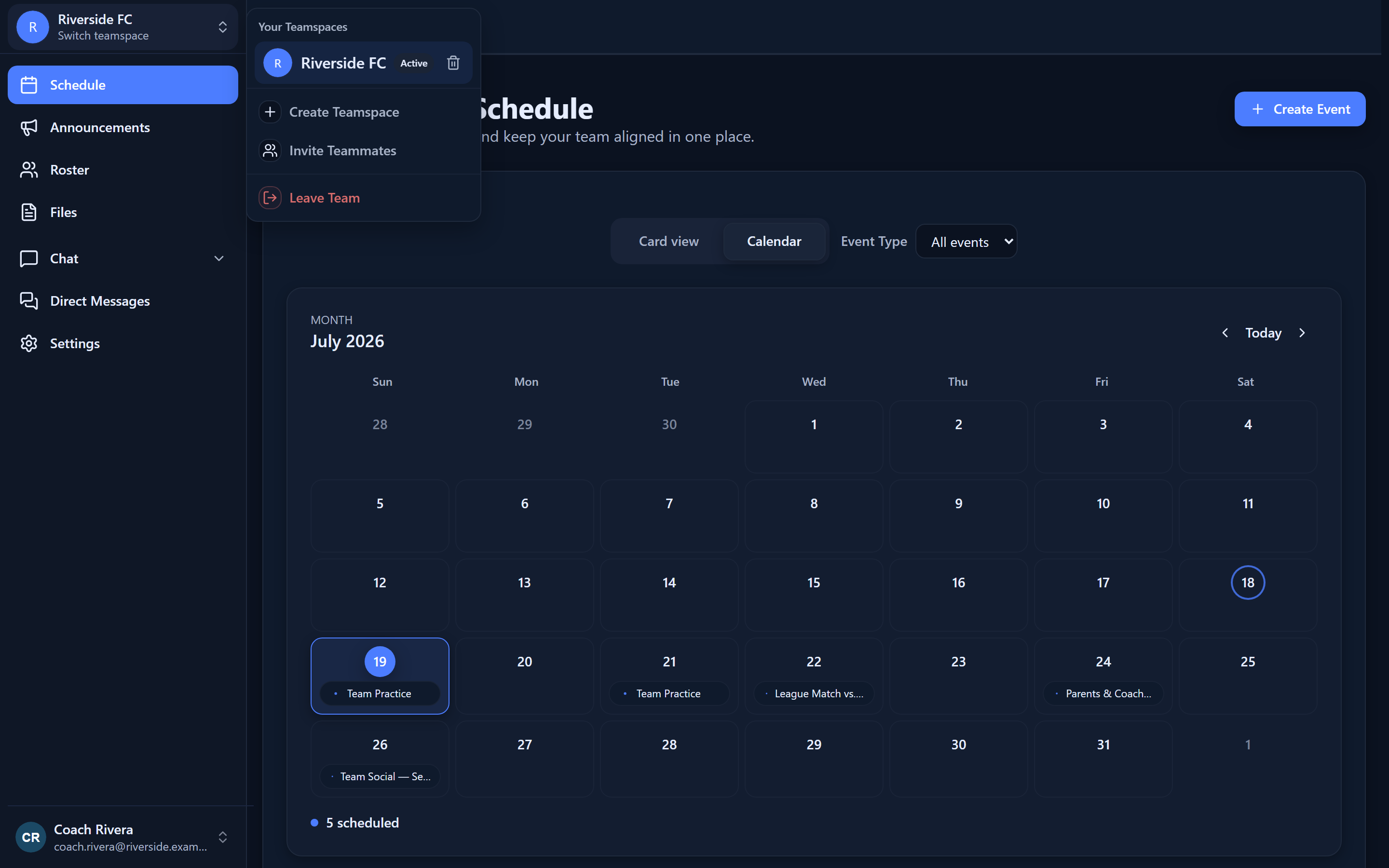
Create, join, and switch between multiple teams — each its own space with its own subdomain — so coaches and players who wear many hats have one login.
A TEAM SNAPSHOT
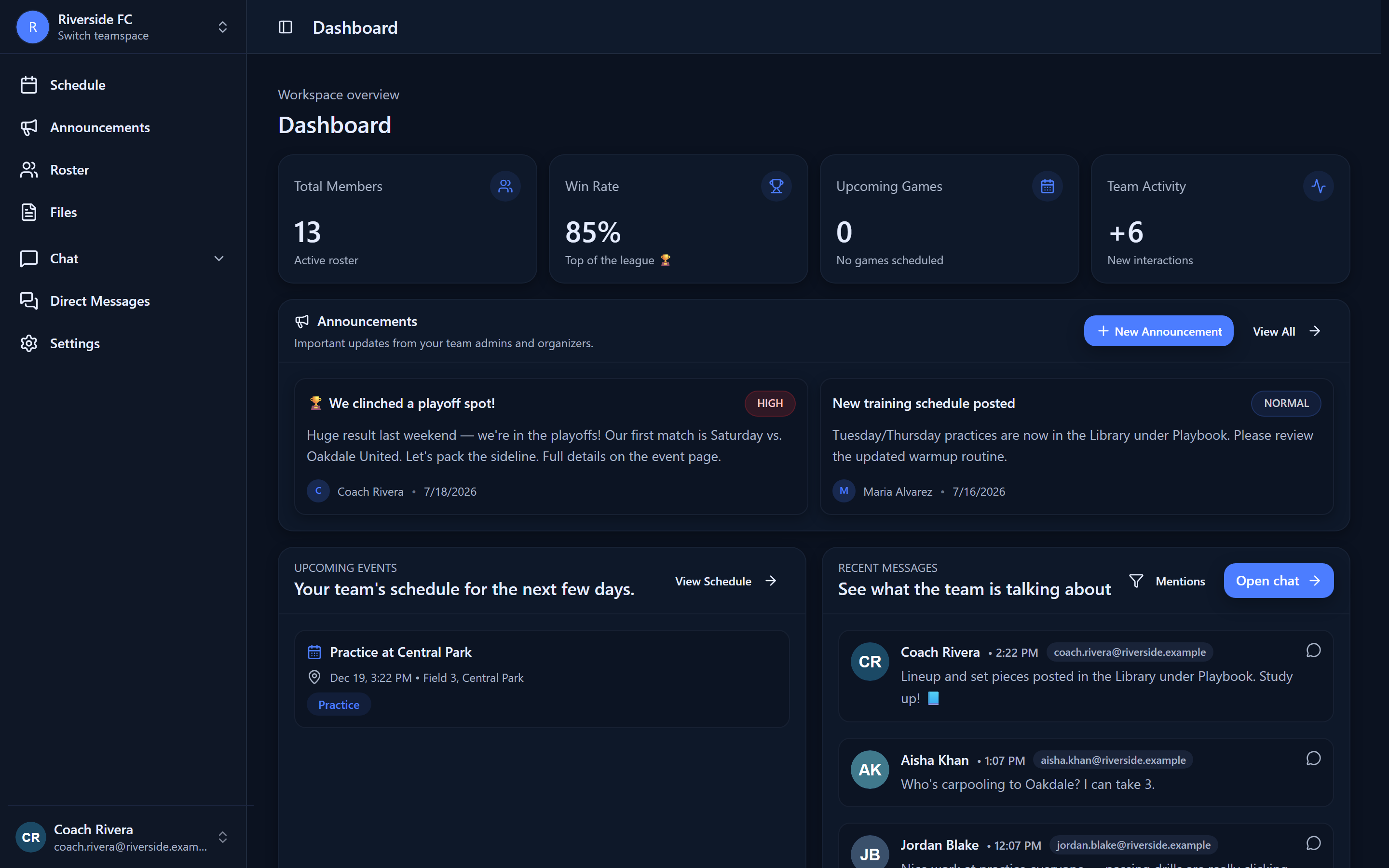
An at-a-glance home shows the next event, unread mentions and pending invites, key metrics (upcoming events, members, recent activity), and a recent-activity feed.
ONBOARDING IN MINUTES
A guided first run creates a team (and its first event) or joins with an invite; former guests are offered their guest teams first.
SELF-SERVE ADMINISTRATION
Edit the team profile (name, sport, season, avatar, timezone, bio, invite code), change the team URL with availability checks, and manage lifecycle actions in a clearly separated danger zone.
Who it's for
Members can create, join, and switch teams; team profile, URL, and settings are for admins and owners, with destructive actions and billing reserved for owners.
RUN YOUR TEAM FROM ONE PLACE
Free for teams up to 5. No credit card required.